
Скачиваний:
1201
Плагин исправляет высоту камеры при игре с низкими и высокими скинами.
Инструкции по установке
- Как установить ASI плагины для GTA San Andreas
E-mail / сайт:
Неизвестно
Файл заменяет:
Неизвестно
Добавлено:
Рекомендуемые файлы
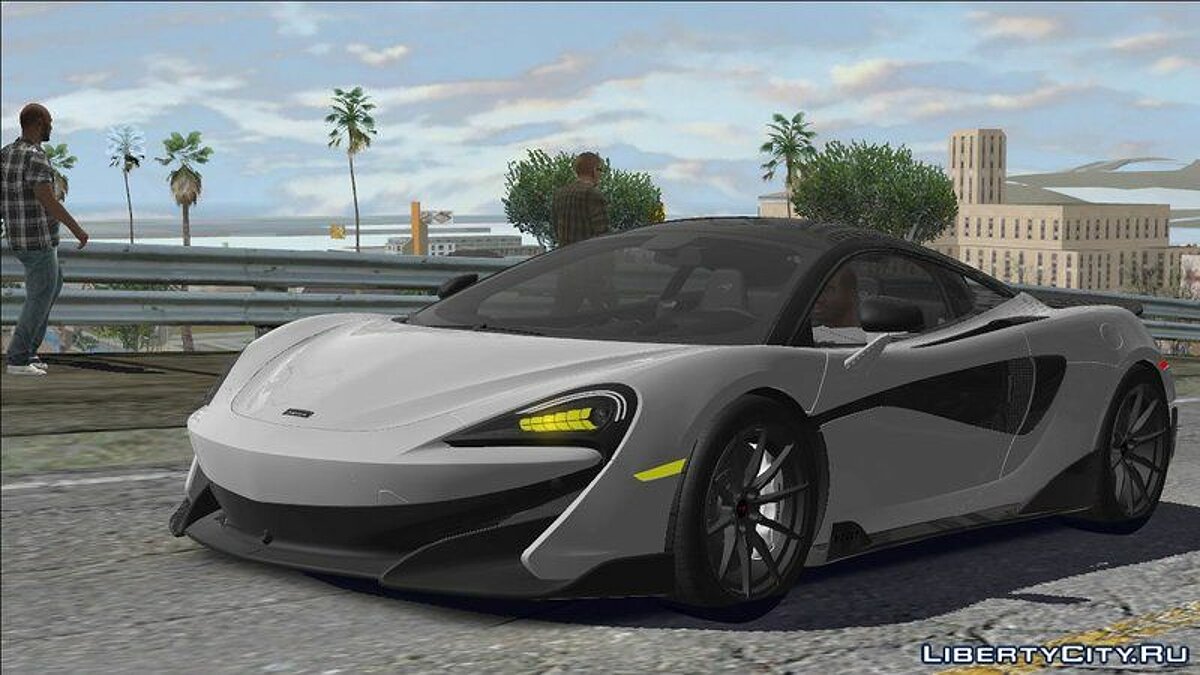
Тени и отражения как в GTA 5 для слабых ПК
GTA 5 Reflection and Shadow for GTA SA Super low PC для GTA SA!Этот значительно улучшит тени и отражения на транспорте, но при этом не потребует много ресурсов от вашего ПК! В ре…

Реалистичные педы — Real Peds Overhaul
Этот мод разнообразит поведение пешеходов, добавляя им возможность разговаривать по телефону, выпивать, курить, читать газеты и т.д.Обновлено до последней авторской версии от 22.11.20:- Добавлены новые объекты (пакеты, газеты и т.д.)- Педы теперь мог…

CLEO 4.4.4 (Обновление от 13.08.2023)
CLEOCLEO — популярнейшее дополнения к серии игр Grand Theft Auto от Rockstar Games. CLEO расширяет возможности скриптинга и позволяет использовать тысячи уникальных модов, которые изменяют и дополняют процесс игры.Обновление от 13.08.2023:Добавлена п…
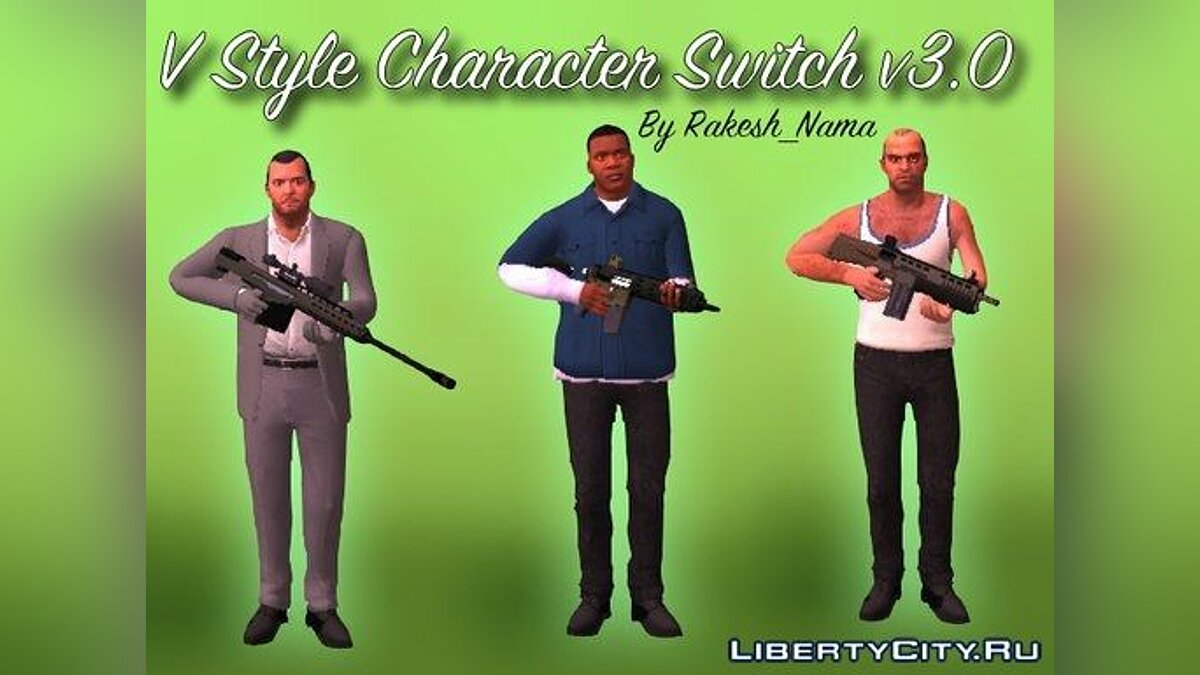
Переключение между персонажами как в GTA 5 v.3
Автор : Rakesh_namaБольшое спасибо : ThatsMe, Astitva и M.T.H.Перевод: Fastik(MrTrololosh12)Переключение между персонажами как в GTA V в GTA SA v3.0>> ОПИСАНИЕ — Этот мод переносит стиль переключения между персонажами из GTA V в GTA San Andreas…
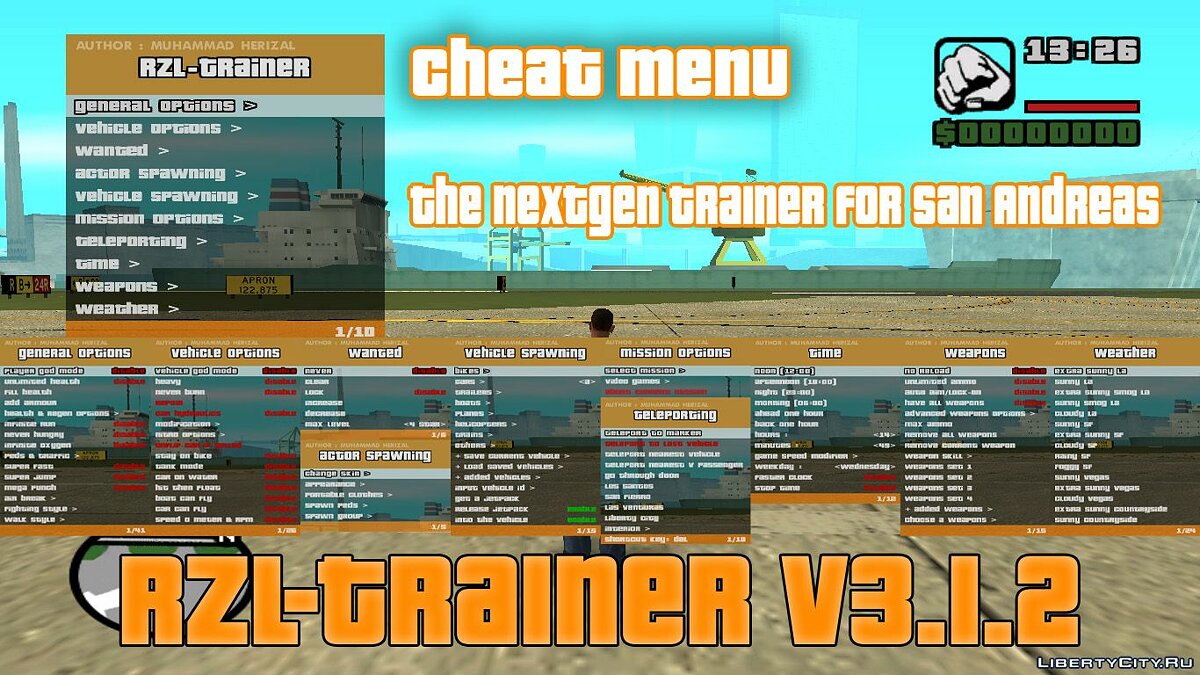
RZL-Trainer v3.1.2 — Удобное чит-меню как в GTA 5
[RUS]RZL-Trainer v3.1.2Это Клео трейнер или Чит-меню, надеюсь, вы понимаете суть.Большое обновление!!! (добавил как новый файл, чтобы не смешивалось со старыми)Строк кода — 128,195. Трейнер очень-очень стабилен и в него добавлены всякие крутые функци…
Конвертированный транспорт из GTA 4 и GTA 5
Полностью авторский пак транспорта, сконвертированного из GTA 4 и GTA 5 от _F_ (Birdie)! Пак насчитывает чуть больше 100 моделей.Перезалита актуальная VehFuncs версия от 20.09.23:- 10 новых моделей добавлено- 10 старых моделей обновлено- 13 моделей а…
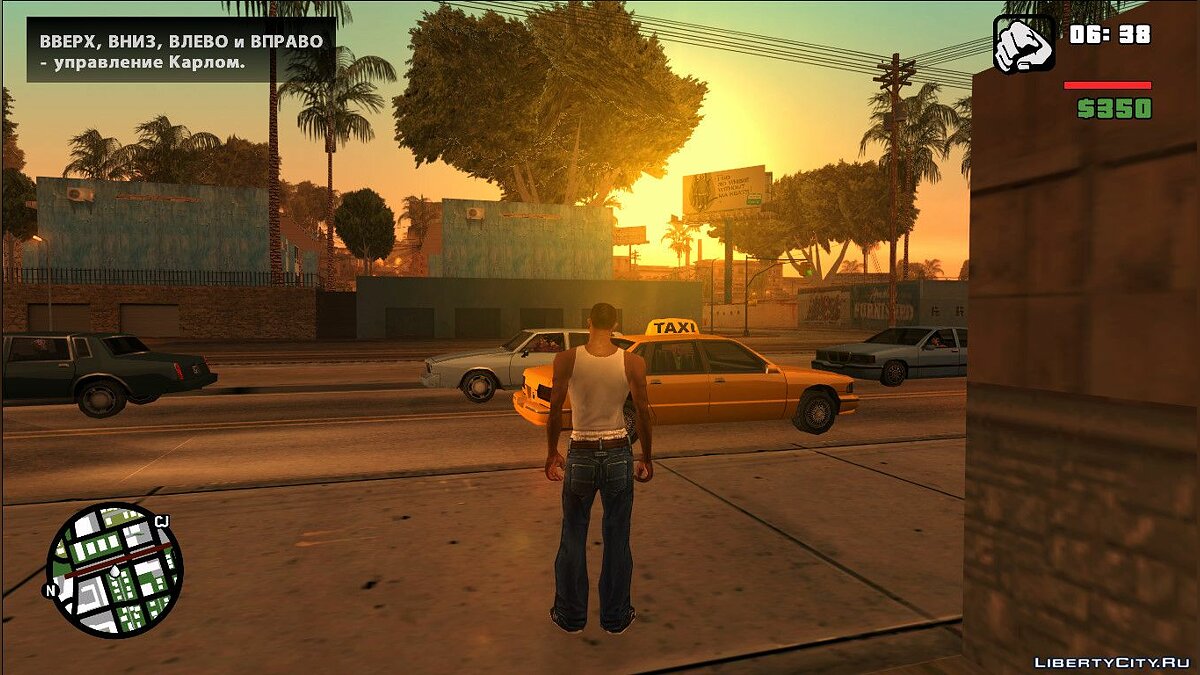
Mobile HUD
Мобильный Худ, который изменяет старый HUD на новый из GTA SA Mobile. За основу взята версия Hud’a 2.00. Автором является DK22Pac. Я лишь настроил HUD под PC.

CLEO+ v1.1.5 (Обновление от 14.08.23)
CLEO+ CLEOPlusОбновление от 14/08/2023:Исправлено освещение людей для модификации Урбанизация в ночное время.Обновление от 15.05.2023:Исправлена ошибка «GET_PICKUP_THIS_COORD», теперь параметр «only available» корректно возвращает только существующие…

Beta Vehicles FIX v3.0
Всем привет. Недавно я решил сыграть в саньку, но с бета тачками, скачав и установив их я удивился, сколько у них проблем с колёсами и отражениями, пришлось всё исправлять. И вот наконец я все исправил. Теперь все машины имеют адаптацию к: PS2, XBOX …
Project Props
Неофициальное обновление от KaiQ* от 31.08.23:- Исправлены десятки различных багов по всей карте- Улучшена совместимость с новыми версиями Project UrbanizeProject Props — это поистине глобальный мапперный мод, созданный для того, чтобы разнообразить …
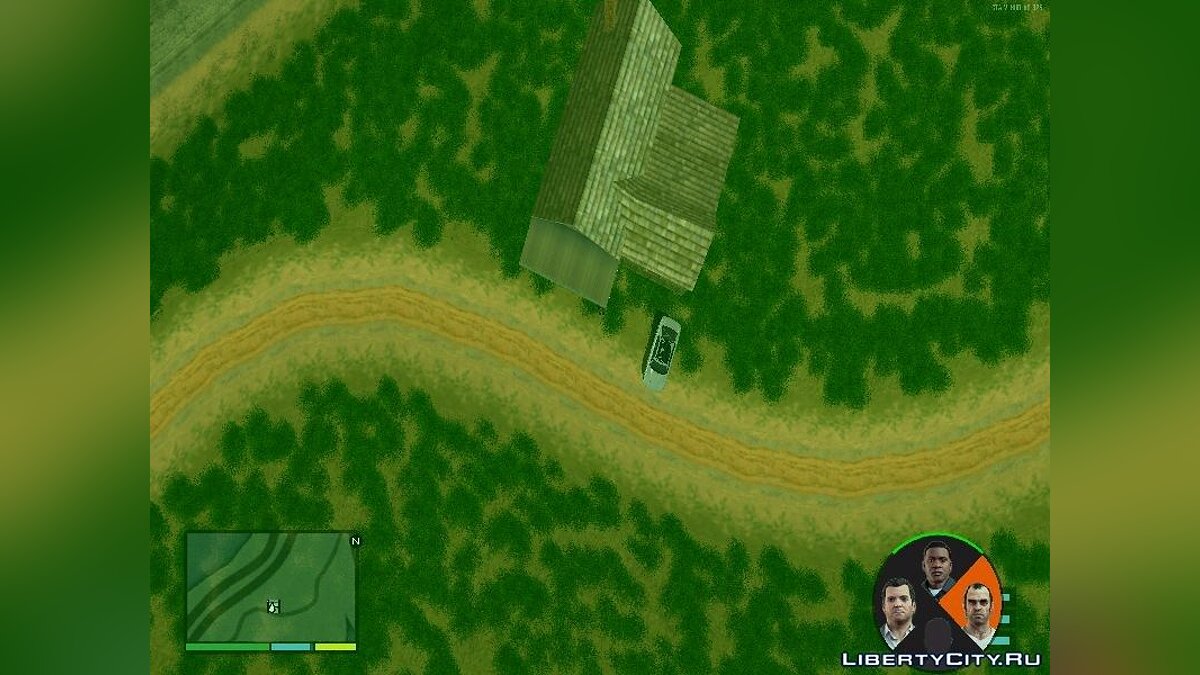
Переключение между персонажами как в GTA 5 v.2.1
Всем привет,с вами снова Фастик, и снова на тему GTA 5 в GTA San AndreasЭтот мод добавляет переключение между персонажами как в GTA 5, чтобы показать в GTA San Andreas максимальные возможности игры.#Особенности- Каждый игрок может переодеться.- Сейча…
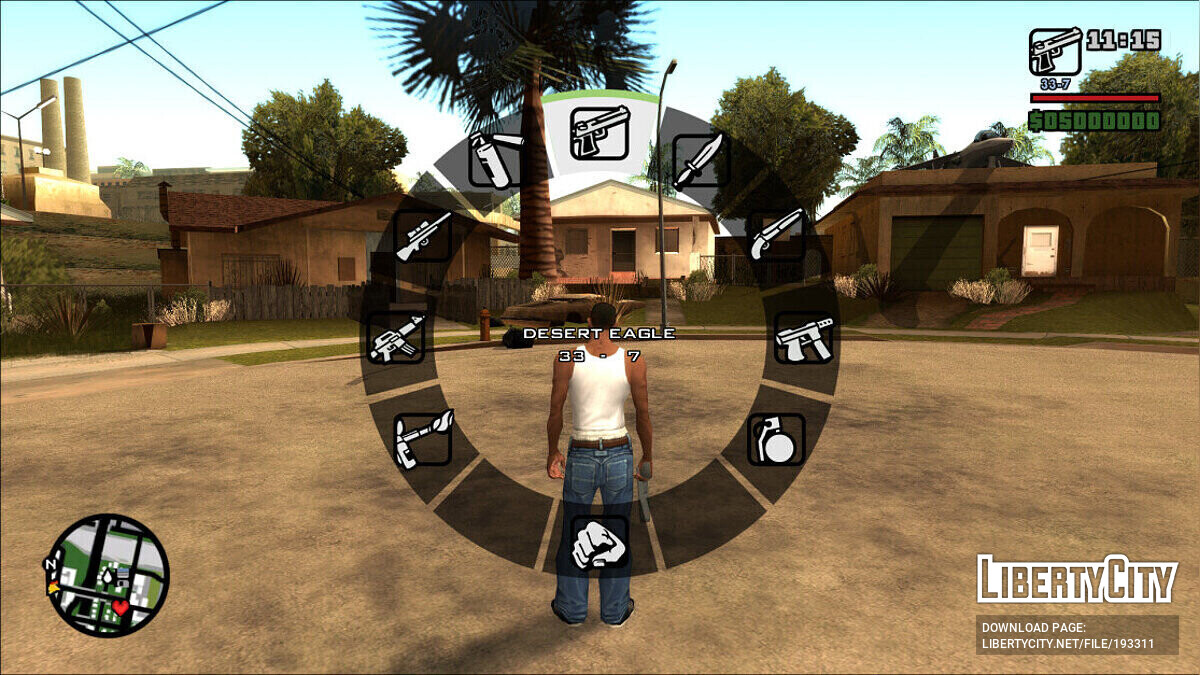
Колесо оружия
Простое и удобное колесо оружия, не выбивающееся из общего стиля игры.Обновление v1.0:- Исправлена ошибка, когда можно было менять оружие во время миссии OG Loc- Исправлены ошибки, когда можно было менять оружие во время телефонного звонка, во время …
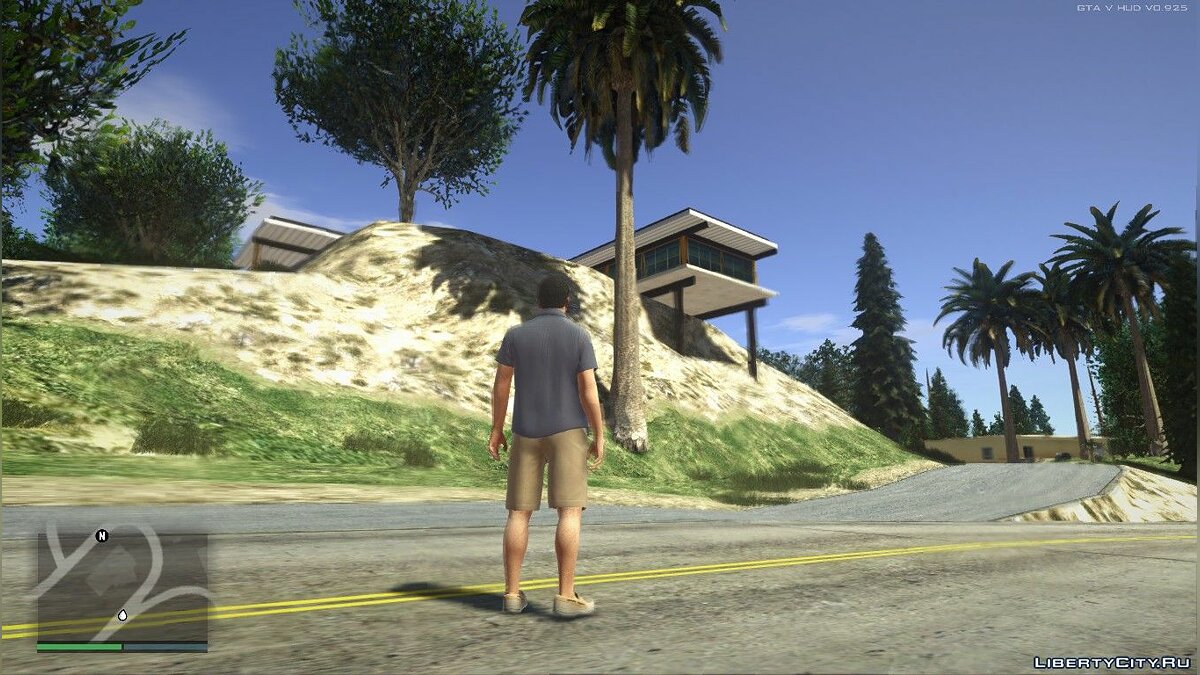
Реалистичная графика как в GTA 5
V Graphics для GTA SA!Этот мод намного улучшит графику и сделает её похожей на графику GTA 5! Так же увеличится нагрузка на вашу систему, будьте внимательны!Авторы:Enbseries and effectsXMakarusX Boris Vorontsov Marty McFl…
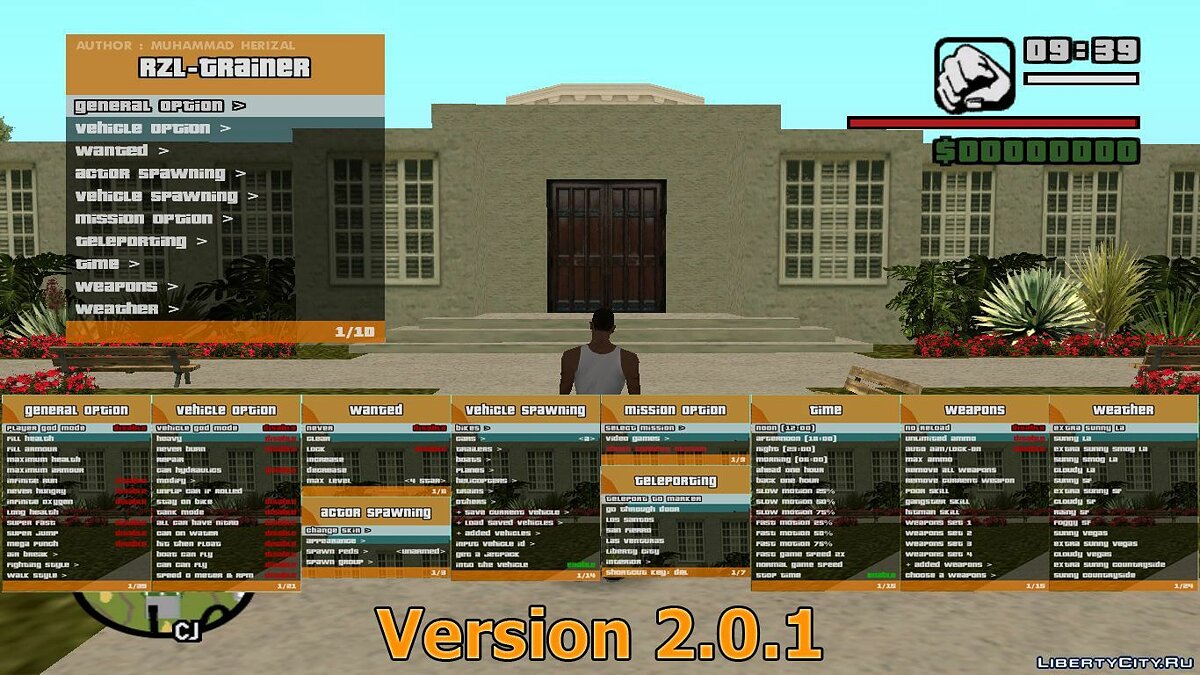
RZL-Trainer v2.0.1 — Удобное чит-меню как в GTA 5
RZL-Trainer v2.0.1[RUS]Для тех кто не знает что это — это чит-меню, которое часто называют трейнером для GTA IV или V.Особенности:- Опции игрока- Опции транспорта- Спавнер педов и выбор скина- Спавнер авто- Телепорт- Выбор миссии- Настройка времени- …
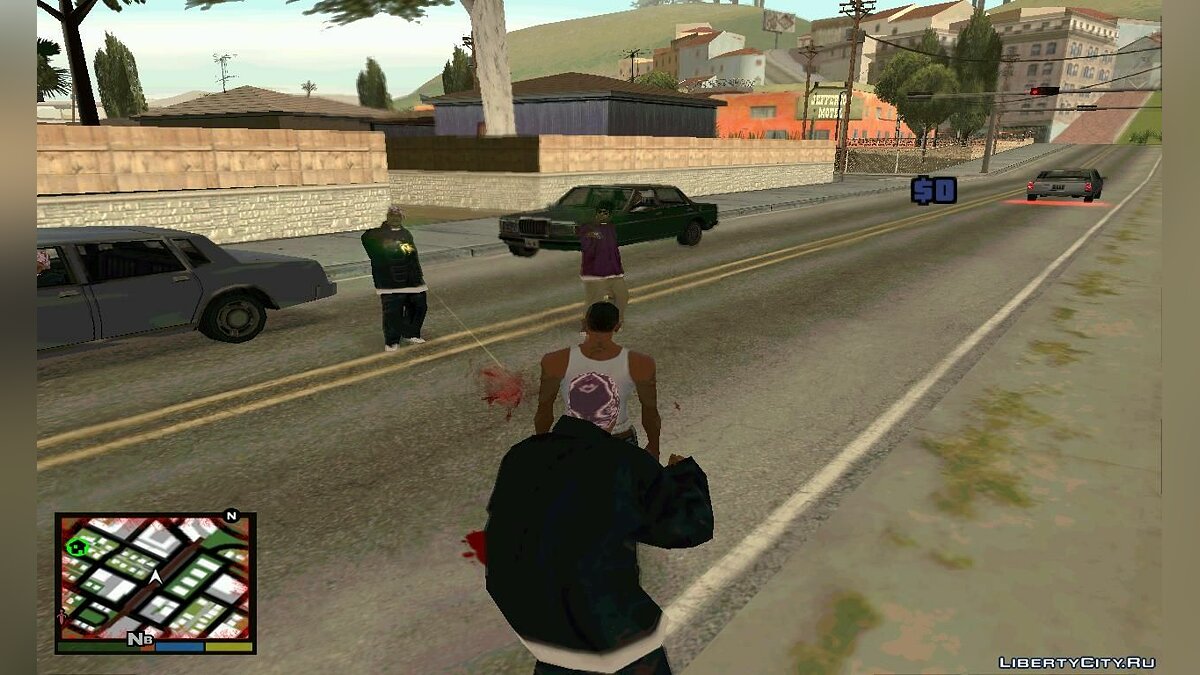
Восстановление здоровья как в GTA 5
Восстановление здоровья как в GTA V. Здоровье пополняется только до 50%.К сожалению не могу показать видео, т.к. после переустановки windows не успел скачать программу.==========================================Объясняю как скачивать файлы с letitbit,…

Contents
- 1 How To Fix Camera On Gta San Andreas Pc Grand Theft Auto
- 2 Mouse & Camera Fix Gta San Andreas [pc] [working 2021]
- 2.1 Conclusion
- 2.1.1 Related image with how to fix camera on gta san andreas pc grand theft auto
- 2.1.2 Related image with how to fix camera on gta san andreas pc grand theft auto
- 2.1 Conclusion
So, without further ado, let your How To Fix Camera On Gta San Andreas Pc Grand Theft Auto journey unfold. Immerse yourself in the captivating realm of How To Fix Camera On Gta San Andreas Pc Grand Theft Auto, and let your passion soar to new heights. Installation version games fixing solution go the of md5 game is from launching issue andreas- then the exe only original this to launcher- file directory- work the download this the the to Weve rockstar steam using a hiccup the when sa-exe the san from 5bfd4dd83989a8264de4b8e771f237fd gta fix wont is gta by found the checksum
How To Fix Grand Theft Auto San Andreas Camera Spinning Youtube
How To Fix Grand Theft Auto San Andreas Camera Spinning Youtube
We’ve found a solution to fixing the issue, this is by using the original exe file from the steam version of gta san andreas. the only hiccup is, this fix won’t work when launching the game from the rockstar games launcher. download the gta sa.exe (md5 checksum: 5bfd4dd83989a8264de4b8e771f237fd) then go to the installation directory. 0:00 1:06 how to fix the mouse camera in gta san andreas for pc danthewildbirdman 181 subscribers subscribe 264 38k views 6 years ago if you can’t move the camera or operate the mouse.

Gta V Camera Fix For Gta San Andreas
Gta V Camera Fix For Gta San Andreas
0:00 1:25 mouse & camera fix gta san andreas [pc] [working 2021] tomboeg 874 subscribers subscribe 250k views 7 years ago this is a short video i made with a solution which worked for me. Open the game location, right click on the game application, and disable visual themes when the game is running, under the compatibility tab #6 andrewguif oct 21, 2012 @ 5:09pm that didn’t work either. #7 havbaba jul 6, 2013 @ 12:02pm don’t work. :’ (. How to fix gta san andreas camera spinning mouse problem in rockstar games launcher gamingph 6.72k subscribers subscribe 157k views 3 years ago here is a quick video on how to fix the. Go to easter basin in san fierro and go to the start end of the railroad track next to the ship. you’ll find the camera at the edge of the dock. esplanade north in san fierro north and the.

Gta V Camera Fix For Gta San Andreas
Gta V Camera Fix For Gta San Andreas
How to fix gta san andreas camera spinning mouse problem in rockstar games launcher gamingph 6.72k subscribers subscribe 157k views 3 years ago here is a quick video on how to fix the. Go to easter basin in san fierro and go to the start end of the railroad track next to the ship. you’ll find the camera at the edge of the dock. esplanade north in san fierro north and the. In order to enter and activate cheat codes in gta san andreas, you must first select the cheat code you are looking to enter. with almost 100 cheats available on offer, you’ll find cheats. The infamously upscaled nut on grand theft auto: san andreas ’ tuff nuts donut shop, which was erroneously altered to not be nut shaped, has also been fixed, rockstar said in patch notes.

Gta V Camera Fix For Gta San Andreas
Gta V Camera Fix For Gta San Andreas
In order to enter and activate cheat codes in gta san andreas, you must first select the cheat code you are looking to enter. with almost 100 cheats available on offer, you’ll find cheats. The infamously upscaled nut on grand theft auto: san andreas ’ tuff nuts donut shop, which was erroneously altered to not be nut shaped, has also been fixed, rockstar said in patch notes.
Mouse & Camera Fix Gta San Andreas [pc] [working 2021]
Mouse & Camera Fix Gta San Andreas [pc] [working 2021]
this is a short video i made with a solution which worked for me while my mouse was not functioning properly or functioning at all. in this video i have tried to fix the gta san andreas mouse problem. which happens in almost all windows 10 pcs. i hope you fixed with the free gta san andreas offer on the new rockstar games launcher, many users have been experiencing random here is a quick video on how to fix the camera spinning problem on the rockstar games launcher version of gta san andreas. if you can’t move the camera or operate the mouse buttons, here is how to fix the problem. i am running gta off of a cd on my so, i try to fix this bug for a couple hours. and the problem is fixed. enjoy the game! subscribe our channel for more gameplay videos. becouse rockstar games made such a mess with gta san andreas with rockstar launcher, now gta san andreas is literally how to fix? just use msi afterburner whenever you want to play gta:sa. 00:00 00:52 showing the game is broken 00:52 thanks for watching. if you have any problem about installing this car and any other gaming problem so tell me in comments if hello everyone, do donate us which help us to make more content like this : paypal don’t forget to subscribe this tutorial shows you how to fix gta san andreas camera spinning mouse problem in
Conclusion
Having examined the subject matter thoroughly, it is evident that the article delivers useful information regarding How To Fix Camera On Gta San Andreas Pc Grand Theft Auto. Throughout the article, the author illustrates an impressive level of expertise on the topic. In particular, the discussion of X stands out as particularly informative. Thanks for the post. If you have any questions, please do not hesitate to reach out via email. I am excited about hearing from you. Additionally, here are some relevant content that you may find interesting:
Related image with how to fix camera on gta san andreas pc grand theft auto
Related image with how to fix camera on gta san andreas pc grand theft auto
ЧТО ДЕЛАТЬ ЕСЛИ НЕ ПОВОРАЧИВАЕТСЯ КАМЕРА В ГТА САН АНДРЕАС
Если у вас возникла проблема с поворотом камеры в GTA San Andreas, есть несколько простых вариантов ее решения:
1. Проверьте настройки игры. Убедитесь, что камера правильно настроена в меню Settings -> Display -> Camera. Если настройки правильны, попробуйте изменить их, чтобы убедиться, что проблема не связана с конфигурацией игры.
2. Проверьте работу клавиш управления. Может быть, клавиши управления камерой не правильно настроены или не работают. Проверьте клавиши управления в меню Options -> Controls -> Configure Keyboard и убедитесь, что они работают правильно.
3. Попробуйте обновить драйвера для графической карты и звуковой карты. Плохо работающие драйвера могут привести к проблемам с камерой в игре.
4. Если вы играете на компьютере, попробуйте перезапустить игру или компьютер. Это может устранить временные проблемы, связанные с камерой.
5. Если ни одно из вышеперечисленных не помогло, попробуйте переустановить игру. Это может исправить проблемы, связанные с установкой игры или повреждением файлов игры.
😱Что Будет,если не двигаться в играх 24 Часа ?
Что делать если не двигается камера в гта са
Что делать если в gta сан андресс не работает мышка
КАК НАСТРОИТЬ МЫШКУ В ГТА САН АНДРЕАС
😭3 КРУТЫЕ ВЕЩИ КОТОРЫЕ ВЫРЕЗАЛИ ИЗ GTA SAN ANDREAS #shorts
Не работает мышка в GTA San Andreas (Windows 10)
РЕШЕНИЕ!!! Не работает мышка в GTA San Andreas на Виндовс 8.1или 10 ?
Ошибка камеры Не удалось подключиться к камере Сбой камеры
Rockstar Games’ newest launcher is finally here, and as a celebration, Rockstar gave everyone a free game to play as a starter pack for their new launcher. Grand Theft Auto San Andreas is free for a limited time. Like any freebies, it is one of the hottest topics in the gaming news today. Excited to try their favorite 16 years old game, lots of folks claimed the freebies, playing it the first time to its own home Rockstars Game Launcher.

Everyone expects that the game will run smoothly on their PC since the game is now in the official home. But unfortunately, the excitement quickly changed to disappointment as the game is barely unplayable and it doesn’t support mouse + keyboard for most modern OS like Windows 10. At this point, the game does not fully support mouse control.
When players entered the game, the camera keeps spinning endlessly, which leads to some player deleting the game after installed and played. Some players look for answers to the internet and try fixing the issue, but no one finds a solution yet. Since the game is a new version, most of the old mod that patches for mouse support will not work in the new Rockstar version.
Let’s hope that Rockstar Games will send out a quick patch update to fixed this problem.
How to Fix Camera Spinning using Steam Exe
We’ve found a solution to fixing the issue, this is by using the original exe file from the Steam version of GTA San Andreas. The only hiccup is, this fix won’t work when launching the game from the Rockstar Games Launcher.
- Download the gta-sa.exe (md5 checksum: 5bfd4dd83989a8264de4b8e771f237fd)
- Then go to the installation directory. You can access it via Launcher, click SETTINGS > then at My Installed Games > click Grand Theft Auto: San Andreas > Then click View installation folder. (eg. C:Program FilesRockstar GamesGrand Theft Auto San Andreas)
- Then paste the gta-sa.exe in the installation folder.
- To play the game, you need to start the gta-sa.exe. (For better experience, you may also create a shortcut to your desktop)
Always play the game using the gta-sa.exe or create a shortcut of it to your desktop to play it. Launching the game from the launcher will not fix the mouse camera spinning – it will only load the original Rockstar’s exe.
Note: do not replace the gta_sa.exe file or else it will pop-up an error message saying “Unable to launch Grand Theft Auto: San Andreas. If you continue to have problems launching the game. please verify the integrity of you game files…”
You may also watch our video guide below:
Playing Grand Theft Auto Andreas in Keyboard instead
If you still love to play the game and are no problem with using an alternative solution. The only way to play this is via joystick, and the player can go to game settings and change the controls from Mouse + Keyboard to Joystick.
This way, the player can play the Grand Theft Auto San Andreas using a keyboard. The controls are WASD and Numpad for viewing the cameras.
We will try to look for any solution on how to fix the mouse problem in GTA San Andreas version of Rockstar Games Launcher. We will keep you posted for any updates. Keep checking this post. If you know any solution, please leave a comment below.
FAQs
Getting an Error message saying VorbisFile.dll not found.
You got this error probably because you deleted some files in the installation directory, to recover this file. Open up Rockstar Games Launcher, then click GTA San Andreas then click Play. A pop-up message will require you to update GTA San Andreas, just click Download. After that, you can start the gta-sa.exe from Steam to play.
Rockstar Games’ newest launcher is finally here, and as a celebration, Rockstar gave everyone a free game to play as a starter pack for their new launcher. Grand Theft Auto San Andreas is free for a limited time. Like any freebies, it is one of the hottest topics in the gaming news today. Excited to try their favorite 16 years old game, lots of folks claimed the freebies, playing it the first time to its own home Rockstars Game Launcher.
Everyone expects that the game will run smoothly on their PC since the game is now in the official home. But unfortunately, the excitement quickly changed to disappointment as the game is barely unplayable and it doesn’t support mouse + keyboard for most modern OS like Windows 10. At this point, the game does not fully support mouse control.
When players entered the game, the camera keeps spinning endlessly, which leads to some player deleting the game after installed and played. Some players look for answers to the internet and try fixing the issue, but no one finds a solution yet. Since the game is a new version, most of the old mod that patches for mouse support will not work in the new Rockstar version.
Let’s hope that Rockstar Games will send out a quick patch update to fixed this problem.
How to Fix Camera Spinning using Steam Exe
We’ve found a solution to fixing the issue, this is by using the original exe file from the Steam version of GTA San Andreas. The only hiccup is, this fix won’t work when launching the game from the Rockstar Games Launcher.
- Download the gta-sa.exe (md5 checksum: 5bfd4dd83989a8264de4b8e771f237fd)
- Then go to the installation directory. You can access it via Launcher, click SETTINGS > then at My Installed Games > click Grand Theft Auto: San Andreas > Then click View installation folder. (eg. C:\Program Files\Rockstar Games\Grand Theft Auto San Andreas)
- Then paste the gta-sa.exe in the installation folder.
- To play the game, you need to start the gta-sa.exe. (For better experience, you may also create a shortcut to your desktop)
Always play the game using the gta-sa.exe or create a shortcut of it to your desktop to play it. Launching the game from the launcher will not fix the mouse camera spinning – it will only load the original Rockstar’s exe.
Note: do not replace the gta_sa.exe file or else it will pop-up an error message saying “Unable to launch Grand Theft Auto: San Andreas. If you continue to have problems launching the game. please verify the integrity of you game files…”
You may also watch our video guide below:
Playing Grand Theft Auto Andreas in Keyboard instead
If you still love to play the game and are no problem with using an alternative solution. The only way to play this is via joystick, and the player can go to game settings and change the controls from Mouse + Keyboard to Joystick.
This way, the player can play the Grand Theft Auto San Andreas using a keyboard. The controls are WASD and Numpad for viewing the cameras.
We will try to look for any solution on how to fix the mouse problem in GTA San Andreas version of Rockstar Games Launcher. We will keep you posted for any updates. Keep checking this post. If you know any solution, please leave a comment below.
FAQs
Getting an Error message saying VorbisFile.dll not found.
You got this error probably because you deleted some files in the installation directory, to recover this file. Open up Rockstar Games Launcher, then click GTA San Andreas then click Play. A pop-up message will require you to update GTA San Andreas, just click Download. After that, you can start the gta-sa.exe from Steam to play.